

Description
Play Magic: The Gathering Arena on PC
Overview
Magic: The Gathering Arena is the digital adaptation of the acclaimed physical collectible card game, bringing its rich strategic gameplay to desktop platforms. Designed for both newcomers and seasoned players, the software enables users to engage in competitive matches, build custom decks, and explore a vast library of cards—all within a streamlined digital environment. The game retains the core mechanics of the original: players use land cards to generate mana across five distinct colors, then deploy creatures, spells, and abilities to reduce their opponent’s life total from 20 to zero. A tutorial and practice mode are available to help beginners grasp the fundamentals of deck construction and turn-based strategy. The software supports multiple game modes, including ranked play, casual matches, and limited formats like draft and sealed events. While the digital version features over 6,000 cards—less than the original game’s 25,000+—it includes exclusive digital-only cards and regular content updates through seasonal expansions. The developer, Wizards of the Coast, has positioned the game as a free-to-play experience with optional microtransactions, allowing access to premium content such as booster packs and the Mastery Pass. The game is optimized for Windows and Mac, offering a seamless experience on desktop systems. Real-world usage includes competitive play, casual gaming, and deck-building experimentation.
Key Features & Capabilities
- Comprehensive Deck Building – Users can assemble decks using a curated selection of over 6,000 digital cards, including land cards, creatures, spells, and artifacts. Decks can be tailored to specific playstyles such as aggressive, control, or combo strategies.
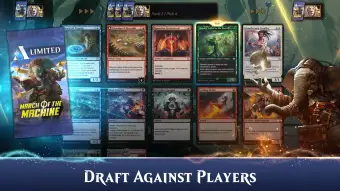
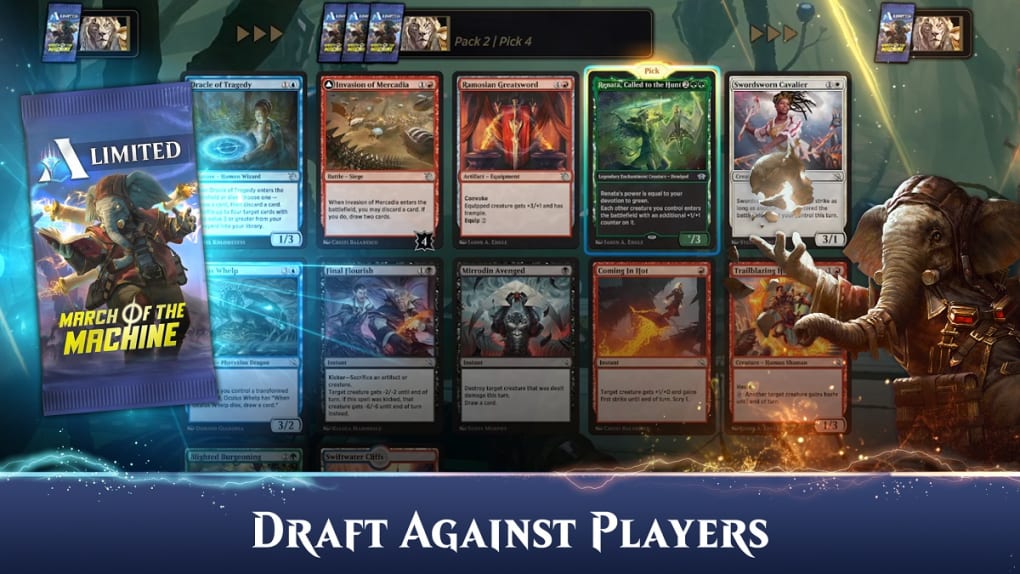
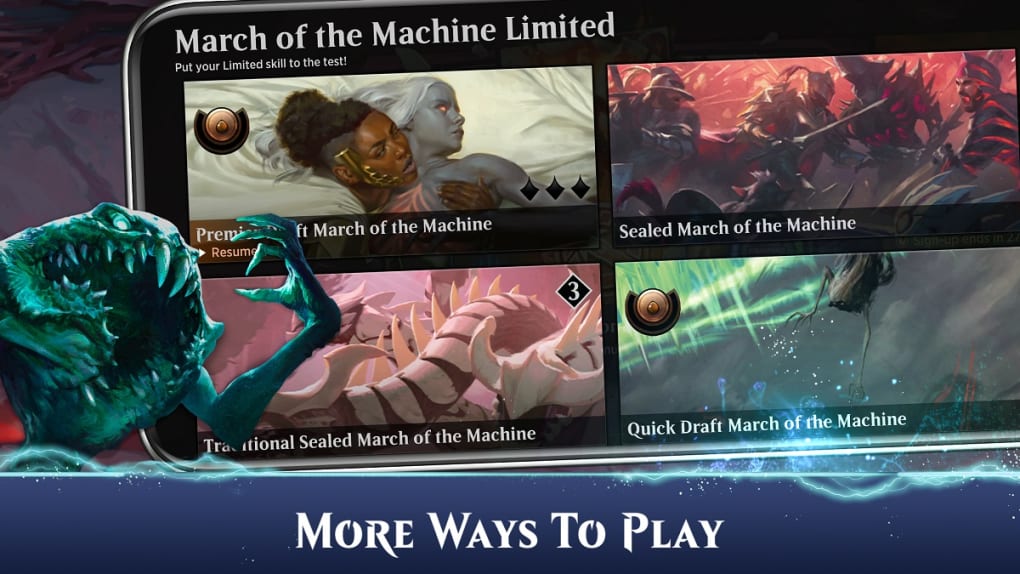
- Dynamic Game Modes – The software supports a variety of formats, including Standard, Pioneer, and Limited play (Draft and Sealed), enabling diverse gameplay experiences based on current card availability and player preferences.
- Progression System – Players earn rewards through daily quests, challenges, and match victories, unlocking new cards, boosters, and cosmetic items like avatars, card sleeves, and pets.
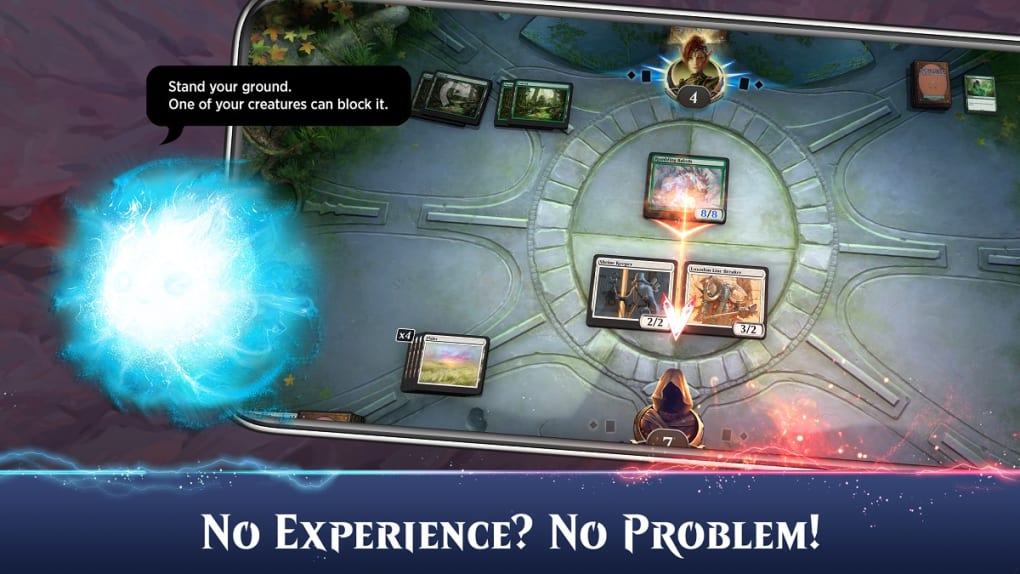
- Interactive Tutorial & Practice Mode – Designed for beginners, this feature guides users through core mechanics, turn structure, and basic strategy, allowing them to test their skills against AI opponents before facing real players.
- Regular Content Updates – The game receives seasonal expansions and new card sets, such as Ravnica Remastered and Murders at Karlov Manor, ensuring long-term engagement and fresh gameplay.
These capabilities allow users to develop strategic depth, experiment with different deck archetypes, and participate in evolving metagames. The progression system encourages consistent engagement by rewarding active play, while the tutorial ensures a low barrier to entry for new players. Limited formats offer unique challenges and opportunities to earn rare cards, enhancing replayability across multiple sessions.
User Interface, Workflow & Performance
The user interface is structured around a clean, card-centric layout with intuitive navigation between menus such as the collection, deck builder, and matchmaking system. Players can access their card library, view deck statistics, and manage their account settings through clearly labeled sections. The workflow follows a logical sequence: selecting a game mode, choosing or building a deck, joining a match, and engaging in turn-based combat. The game’s performance is optimized for desktop use, with responsive controls and minimal input lag. The developer did not specify resource usage details, but the 3.5 GB installation size suggests a moderate footprint. Stability appears consistent during gameplay, with no reported crashes or freezes in standard use. The interface supports high-resolution displays and maintains visual clarity across different screen sizes. While the software does not include real-time voice chat, players can communicate via text-based messages during matches. General performance notes are based on typical behavior for digital card games of this scale.
Compatibility & System Requirements
Magic: The Gathering Arena is compatible with Windows and Mac operating systems. The software version is 1.0, with a total installation size of 3.5 GB. The developer did not provide additional system requirements, such as CPU, RAM, or GPU specifications. Exact performance details were not specified. Platform compatibility information is limited to the operating systems listed. Users are advised to ensure their system meets minimum requirements for running modern desktop applications, though specific benchmarks were not included. The game is distributed through Steam and the official website, with account synchronization available across devices using a Wizards account.
Pros and Cons
Pros
- Free-to-play with generous daily rewards and progression incentives
- Comprehensive tutorial and practice mode for beginners
- Over 6,000 digital cards with regular expansion updates
- Supports multiple game modes including Draft, Sealed, and Ranked play
- Optimized for desktop with responsive controls and visual clarity
Cons
- Does not support card trading between players
- Optional microtransactions may be costly for casual users
- Exclusive digital cards limit access to full card pool
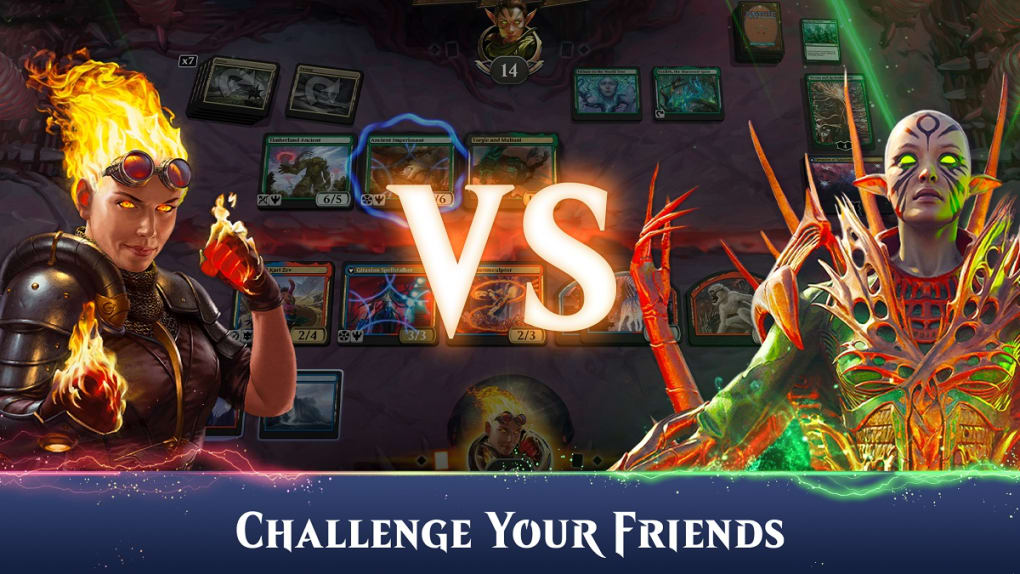
- Direct challenge feature requires manual player name input
- Exact system requirements were not listed
FAQ Section
Is Magic: The Gathering Arena free to download?
Yes, the software is free to download and play. It operates under a freemium model, offering core gameplay and content at no cost, with optional in-app purchases for premium features and items.
What platforms does Magic: The Gathering Arena support?
The software is available for Windows and Mac operating systems. Users can install the game via Steam or the official website.
Can I play Magic: The Gathering Arena offline?
The game requires an active internet connection for account authentication, matchmaking, and multiplayer features. Offline play is not supported.
Are there in-app purchases in Magic: The Gathering Arena?
Yes, the game includes optional microtransactions. Players can use real-world currency to purchase gems, which are used to unlock boosters, the Mastery Pass, and participate in draft events.
How often does Magic: The Gathering Arena receive new content?
New card sets and expansions are released periodically, typically aligned with seasonal updates. Examples include Ravnica Remastered, Murders at Karlov Manor, and Bloomburrow, with new content rolling out throughout the year.
Final Thoughts + CTA
Magic: The Gathering Arena delivers a polished, accessible digital experience of one of the most enduring card games in history. With its intuitive design, robust progression system, and frequent content updates, it appeals to both newcomers and experienced players. While the absence of card trading and the cost of premium in-app purchases may deter some users, the free-to-play model ensures broad accessibility. The game’s strategic depth, vibrant card art, and regular expansions maintain long-term engagement. For fans of digital strategy games and collectible card mechanics, this desktop application offers a compelling way to enjoy the Magic: The Gathering universe. Download Magic: The Gathering Arena now.
Guides & Tutorials for Magic The Gathering Arena
How to install Magic The Gathering Arena
- Click the Preview / Download button above.
- Once redirected, accept the terms and click Install.
- Wait for the Magic The Gathering Arena download to finish on your device.
How to use Magic The Gathering Arena
This software is primarily used for its core features described above. Open the app after installation to explore its capabilities.
User Reviews for Magic The Gathering Arena 0
No reviews found





